
Meme Editor
Add text, images, stickers, and shapes with intuitive controls and consistent styling.
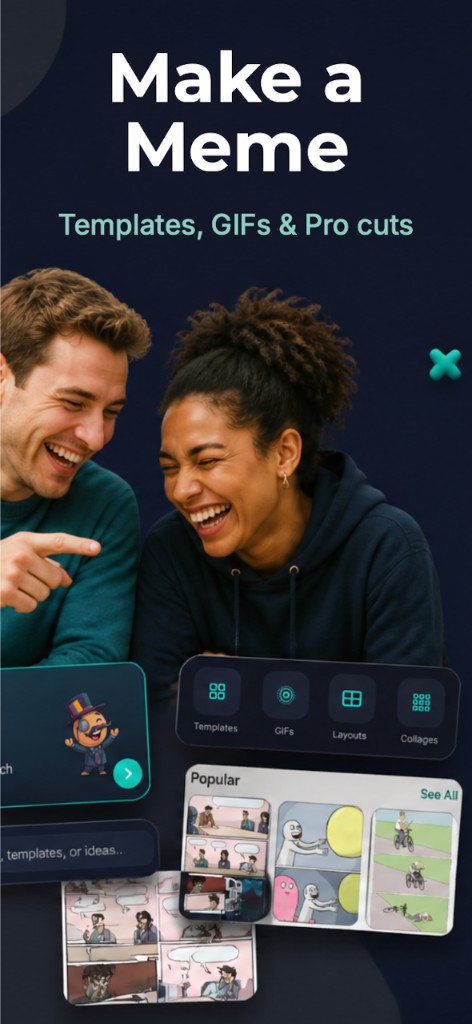
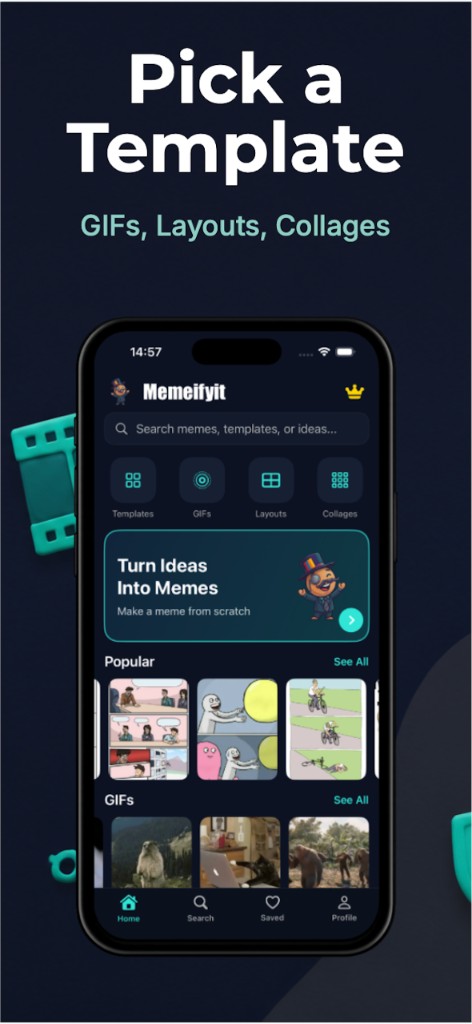
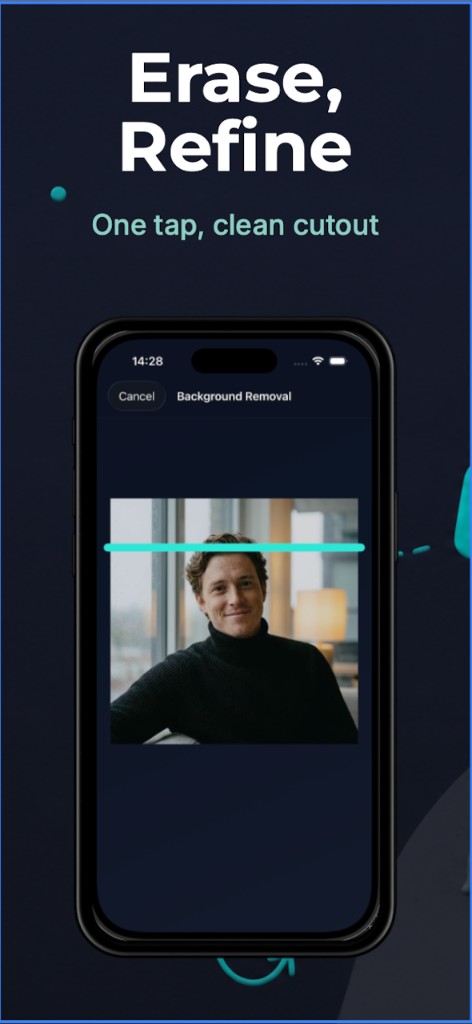
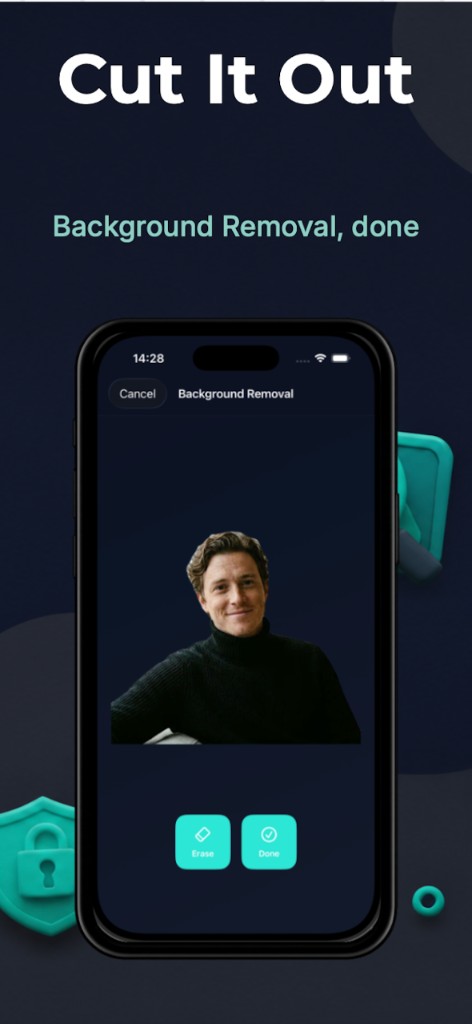
Pick a template, cut out the background, add a caption, and send it. Sized for iMessage, Instagram Stories, and TikTok.
Core Features
Built for speed and creativity with a clean workflow and fine-grained controls.
Add text, images, stickers, and shapes with intuitive controls and consistent styling.
Use ready-to-go collage layouts and customize each slot in seconds.
Reorder and align elements to get exact visual hierarchy in every design.
Start with curated templates or saved drafts to create faster.
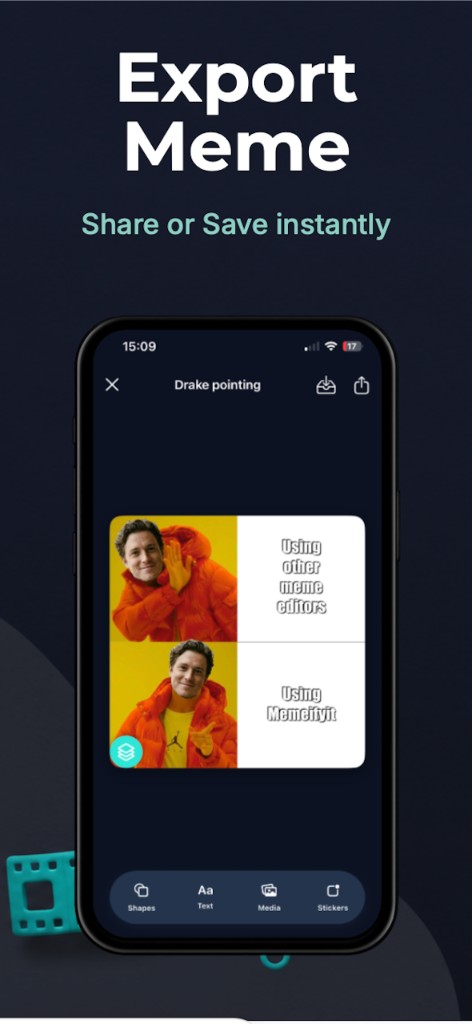
Export sharp images for social media, stories, and messaging apps.
Dark, minimal interface matching the app’s visual identity and typography style.
How It Works
Start from a meme template or collage layout that fits your content style.
Drop in text, photos, stickers, and shapes while fine-tuning layer order.
Save in high resolution and post instantly to your favorite channels.
FAQ
Yes. You can make and share a meme with a small Memeifyit watermark. Pro removes the watermark and unlocks every template, font, and cutout.
Yes, you can import your images and combine them with text, stickers, and shapes.
Exports are generated in high quality and optimized for social sharing.
Use the support page linked below or email the team directly.
Download Memeifyit and turn ideas into memes and collages faster than ever.